

















































BAC Calculator on Your iPhone
How to Install the App on an iPhone
- Open the website using the Safari browser.
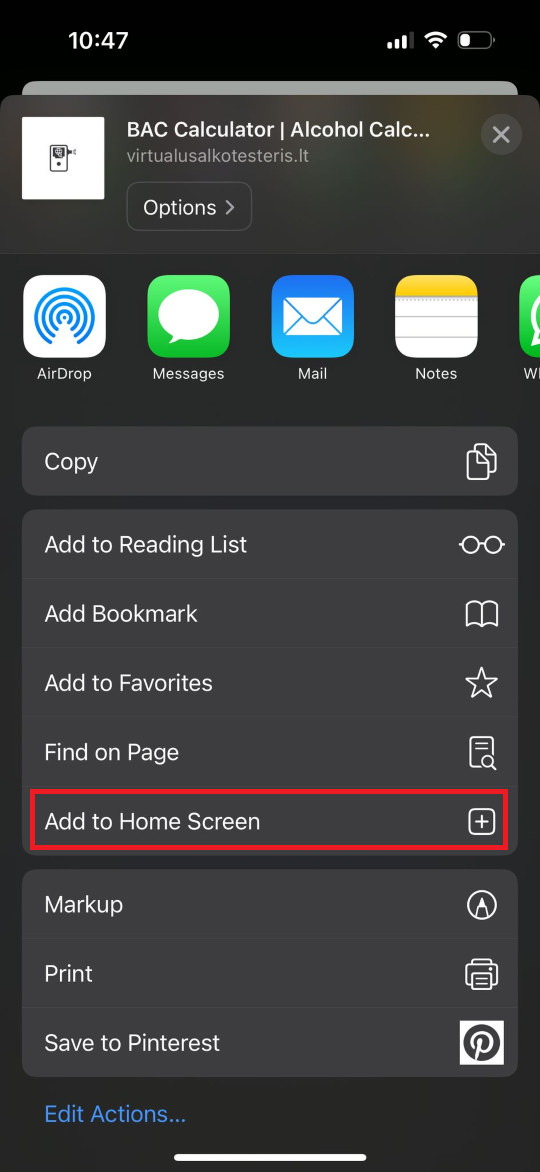
- Tap the share button at the bottom of the screen.
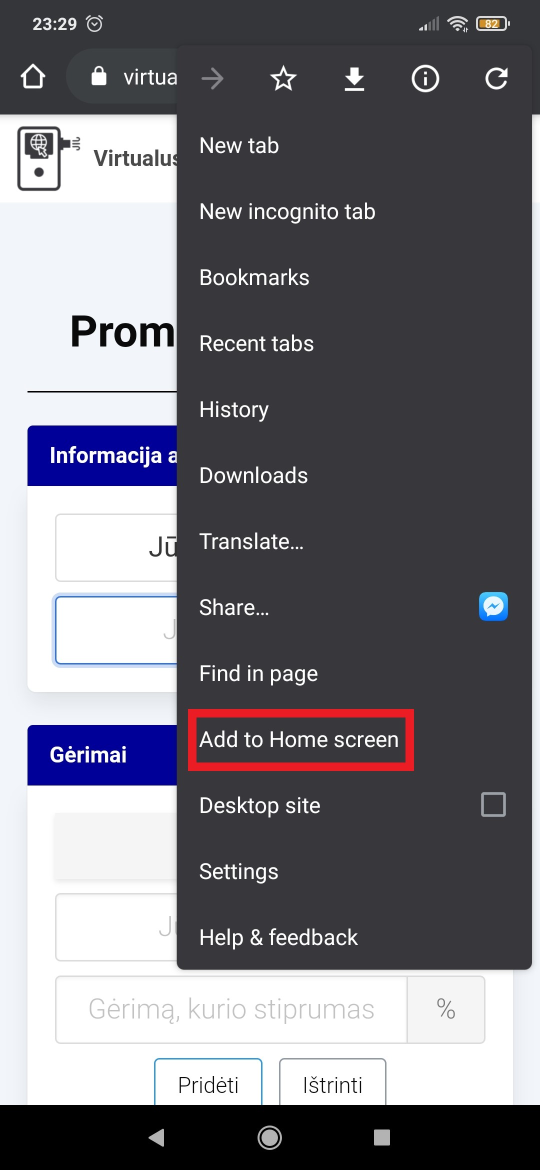
- Then, scroll down and tap "Add to Home Screen."
- Confirm by tapping "Add" at the top of the screen.
- After successful installation, find the "BAC Calculator" app on your phone's home screen.