
















































BAC Calculator on iPhone
How to add the SmartBAC app to your home screen
- Open the website using Safari browser.
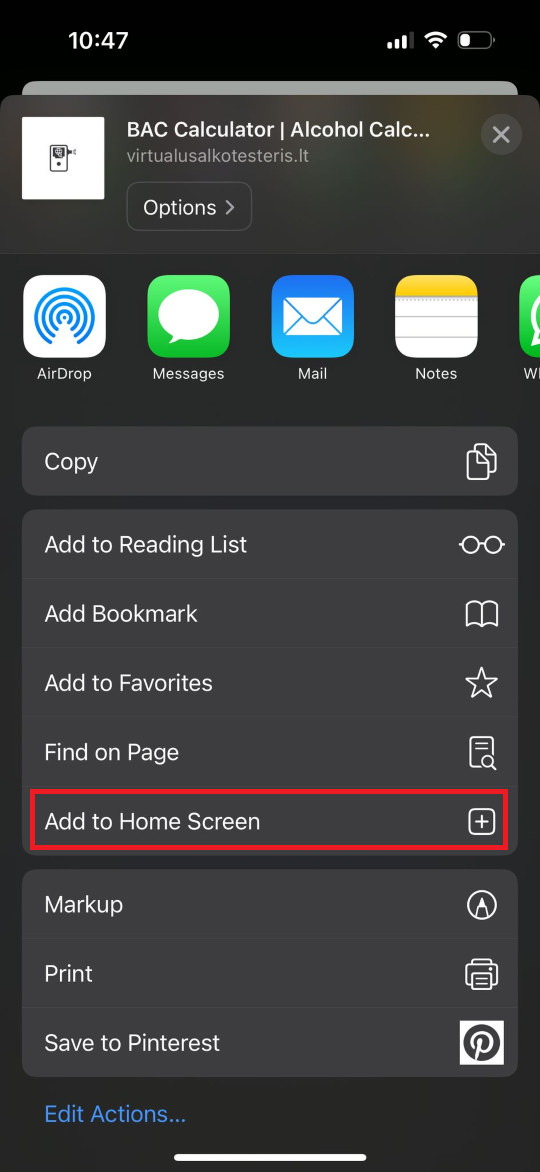
- On the bottom of the screen press share logo.
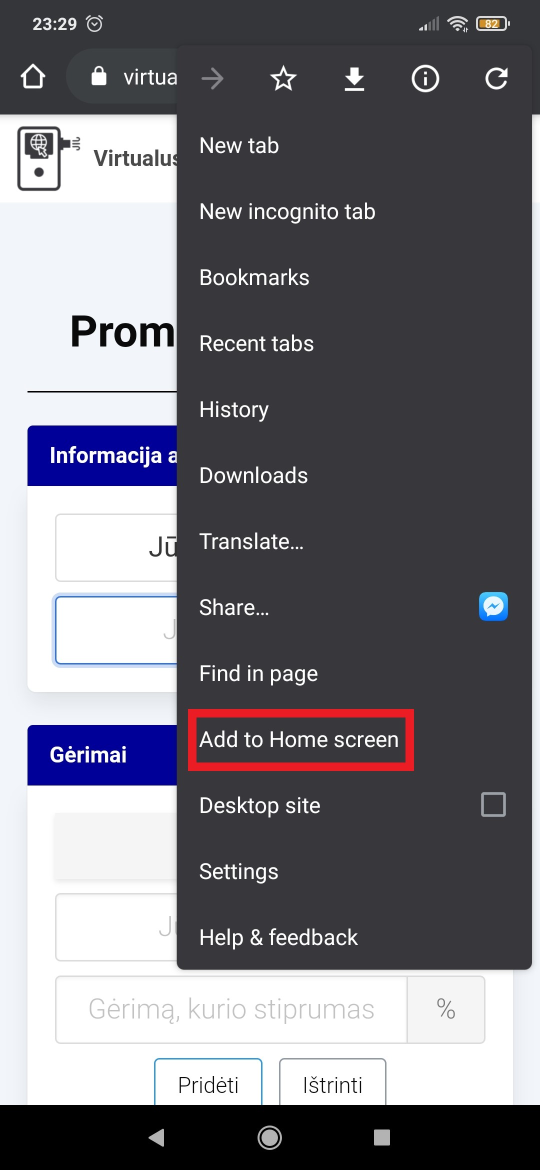
- Scroll down until you see "Add to Home Screen" and click on it.
- Confirm the action by clicking "Add" on top of the screen.
- After successfully adding the SmartBAC app to your screen the app should appear in the main list of your apps.